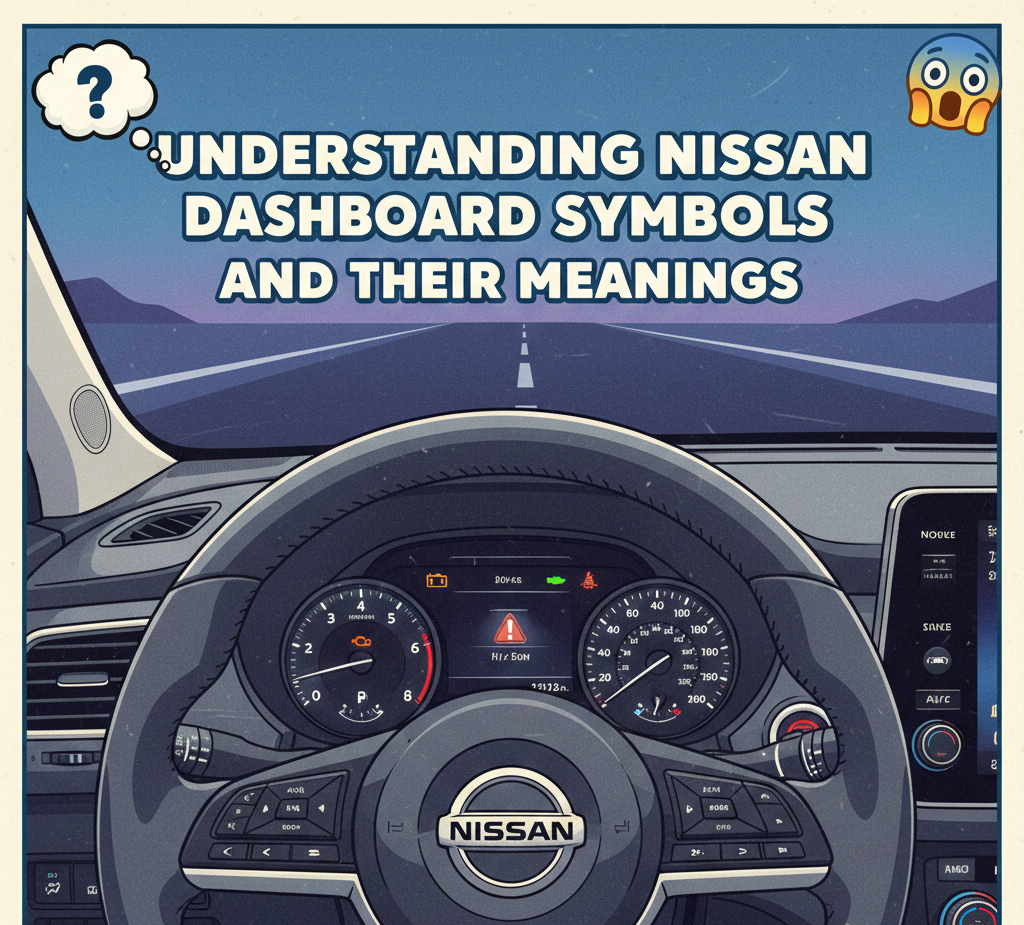

When you’re driving your Nissan, you might see various symbols lighting up on the dashboard. While some of these symbols are simple reminders, others are warning signals that require immediate attention. Understanding what each Nissan dashboard symbol means can help you take action before a minor issue becomes a major one. In this guide, we’ll walk through the common Nissan dashboard symbols, explaining their meanings and offering tips on what to do if you see them.
Why Nissan Dashboard Symbols Matter
Modern cars, including Nissans, are equipped with sophisticated computer systems that monitor various vehicle functions. Dashboard symbols are the car’s way of communicating with you. Whether it’s a simple reminder to check tire pressure or a more serious alert about your engine, these symbols help keep your vehicle running smoothly and ensure your safety.
Common Nissan Dashboard Symbols and Their Meanings
Here’s a breakdown of some of the most common Nissan dashboard symbols and what they indicate:
| Symbol | Meaning |
|---|---|
| 🔴 Check Engine Light | This symbol indicates an issue with your engine or emission control system. If it stays on, it’s time to check for problems. |
| ⚠️ Brake Warning | This symbol may appear when there’s an issue with your brake system, like low brake fluid or worn-out pads. |
| 🔋 Battery Warning | If this light comes on, there may be an issue with the battery or charging system. |
| ⛽ Fuel Warning | This light indicates that your fuel level is low. It’s time to refuel! |
| 🛠️ Maintenance Required | A reminder to schedule routine maintenance, such as an oil change or tire rotation. |
| 🚗 Vehicle Security | If the security light flashes, it means there’s a potential issue with your car’s anti-theft system. |
| ❄️ Coolant Temperature Warning | This symbol appears when the engine is overheating. Pull over safely and let the engine cool down. |
| 💨 Tire Pressure Warning | Indicates that one or more tires are under-inflated and require attention. |
Understanding Warning vs. Indicator Lights
It’s important to note that not all dashboard symbols are warnings. Some, like the seatbelt indicator or turn signal, are simply reminders. However, others, such as the oil pressure warning light or brake system alert, indicate issues that require immediate attention.
What to Do When You See a Dashboard Symbol
When a dashboard symbol lights up, it’s essential to address it promptly. Here’s a general guide on what to do depending on the symbol:
-
Check the Owner’s Manual: Nissan’s owner’s manual provides a comprehensive list of dashboard symbols and their meanings. If you’re unsure about a symbol, it’s worth taking a quick glance.
-
Assess the Situation: Is the symbol accompanied by any other signs, such as a loss of power or strange noises? This could help you determine the urgency of the issue.
-
Schedule Maintenance: If the symbol indicates regular maintenance (like the maintenance required symbol), don’t wait. Set up an appointment with your local Nissan service center.
-
Call for Roadside Assistance: If a critical symbol, like the coolant temperature warning, appears, it’s safer to stop driving and call for roadside assistance rather than risk engine damage.
Nissan Dashboard Symbols Specific to Safety
In addition to the basic maintenance symbols, some lights indicate important safety concerns. Here are a few:
-
Airbag Warning Light: If this light comes on, it means there’s an issue with your airbag system. Don’t delay in getting this checked, as it could compromise your safety during a crash.
-
ABS Warning Light: The Anti-lock Braking System (ABS) light indicates a malfunction in the braking system. While your regular brakes will still work, it’s best to have the ABS checked to ensure maximum stopping power.
-
Traction Control Light: This light indicates that the car’s traction control system is activated. While it’s usually a good sign, it could also suggest slippery conditions.
How to Reset Nissan Dashboard Symbols
If you’ve addressed the issue that caused a dashboard symbol to appear, you might need to reset the light. While some lights will reset automatically, others may require a manual reset. The process can vary depending on the model and year of your Nissan, but here’s a general approach:
-
Turn the ignition key to the “On” position (without starting the car).
-
Press and hold the reset button (located under the dashboard or near the instrument cluster) for about 10 seconds.
-
If the light doesn’t reset, consult your Nissan manual or contact a professional for assistance.
Frequently Asked Questions (FAQs)
1. What should I do if the check engine light comes on in my Nissan?
If the check engine light comes on, it’s best to get your vehicle inspected as soon as possible. It could be something as simple as a loose gas cap or a more serious engine issue.
2. Is it safe to drive with the tire pressure warning light on?
No, driving with low tire pressure can affect your car’s handling and fuel efficiency. It’s essential to check and inflate your tires as soon as possible.
3. How often should I check my Nissan dashboard symbols?
It’s a good idea to familiarize yourself with the symbols at least once every few months. Regular maintenance and keeping an eye on your dashboard lights can help you avoid major issues.
4. Can I reset Nissan dashboard lights myself?
For most lights, you can reset them after fixing the issue. However, some may require a professional to clear the light, especially if the problem persists.
Conclusion
Your Nissan’s dashboard symbols are essential for ensuring the vehicle’s performance and safety. By understanding these symbols, you can take proactive steps to maintain your car, address minor issues before they become big problems, and stay safe on the road. If you’re unsure about any symbol or warning, it’s always best to consult your owner’s manual or reach out to a professional for advice.
For more vehicle maintenance tips and guides, feel free to explore other articles on our site. Understanding your car inside and out is key to prolonging its lifespan and keeping it running smoothly.